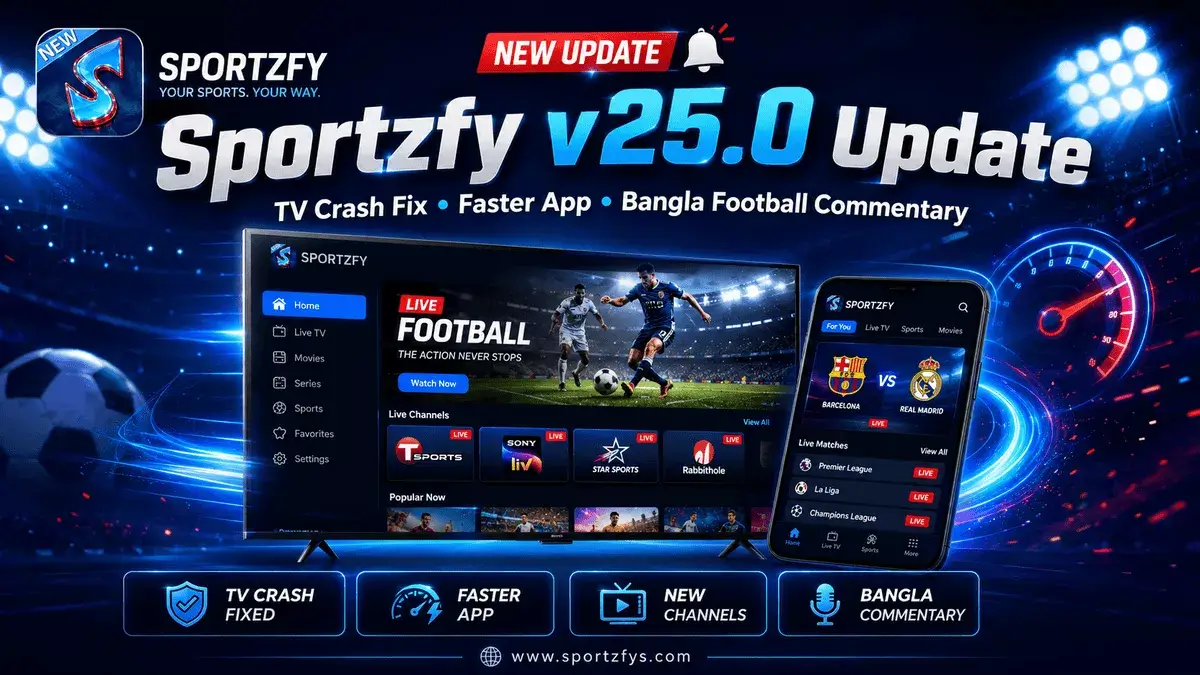
Sportzfy v25.0 is now available with important improvements for Android users, especially for people who use the app on Android TV. This update focuses on fixing the TV crash issue, improving app speed, adding new channels, and making football matches easier to follow during FIFA World Cup 2026.
One of the biggest changes in this version is the Android TV stability fix. Some users were facing crashes while opening or using Sportzfy on TV devices, and v25.0 has been released to improve that experience.
This update also brings Bangla commentary support for FIFA football matches, new channels, and notification alerts before matches start. For users who follow football regularly, this version is more useful than a normal small update.
Sportzfy v25.0 Update Highlights
Sportzfy v25.0 App Information
Sportzfy v25.0 was officially released on 19 June 2026. The update focuses on stability, performance improvements, and new features that can help users enjoy a smoother experience during live sports events.
For users who have not updated recently, v25.0 is one of the most important updates released this year because it focuses on real user-reported issues instead of only cosmetic changes. The Android TV crash fix alone will be a major improvement for users who prefer watching football and cricket on larger screens.
Android TV Crash Issue Fixed
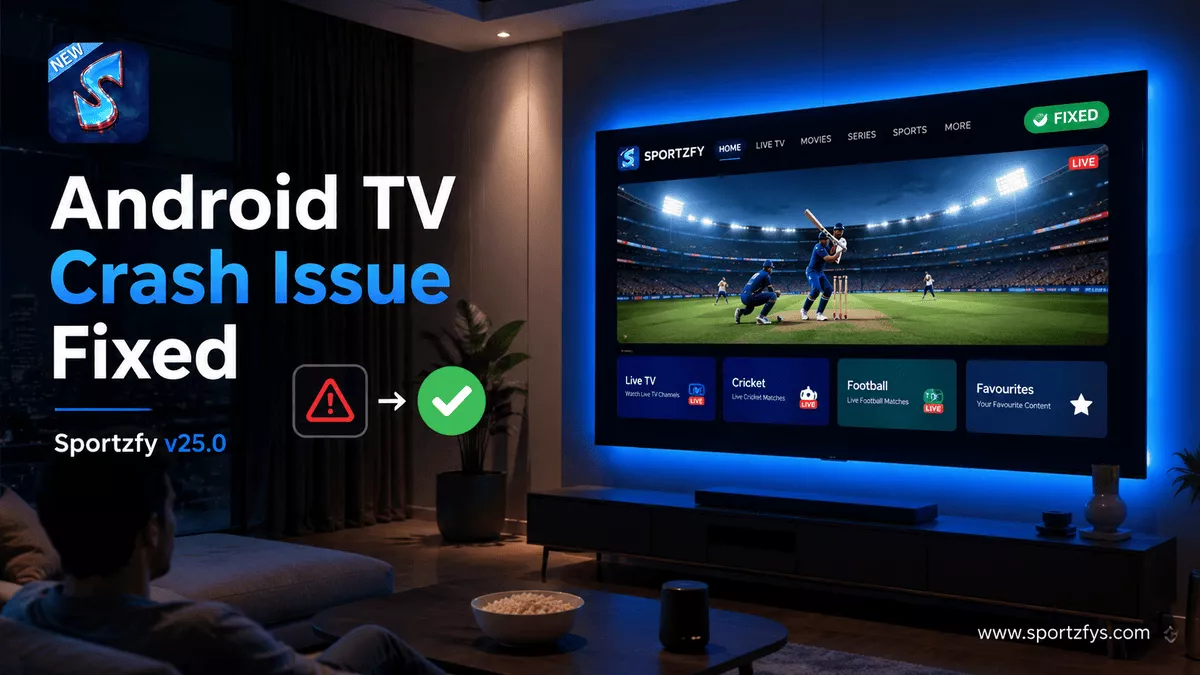
One of the biggest fixes in Sportzfy v25.0 is the Android TV crash issue. Some users were facing problems where the app closed automatically or stopped responding on Android TV devices.
This update improves the app experience on TV screens, which is important for users who prefer watching football or cricket on a bigger display. During FIFA World Cup 2026, many fans use Android TV because long matches feel better on a large screen than on a mobile phone.
If your app was closing again and again on TV, updating to v25.0 should be the first step. You can also follow our Sportzfy Not Working Fix guide if the issue continues after updating.
App Is Faster and Smoother Now
Sportzfy v25.0 also improves overall app speed. Users should notice faster opening, smoother navigation, and better event loading compared to older versions.
This is useful during busy sports days when many users open the app at the same time. A faster app helps users move between live, recent, and upcoming events without waiting too long.
The update is not only about new features. It also focuses on making the app feel lighter and more stable for daily sports users.
Performance Improvements in v25.0
- Faster app opening on Android devices
- Smoother movement between sections
- Better event loading during busy match times
- Improved stability for daily users
- Reduced lag while browsing sports events
New Channels Added in Sportzfy v25.0
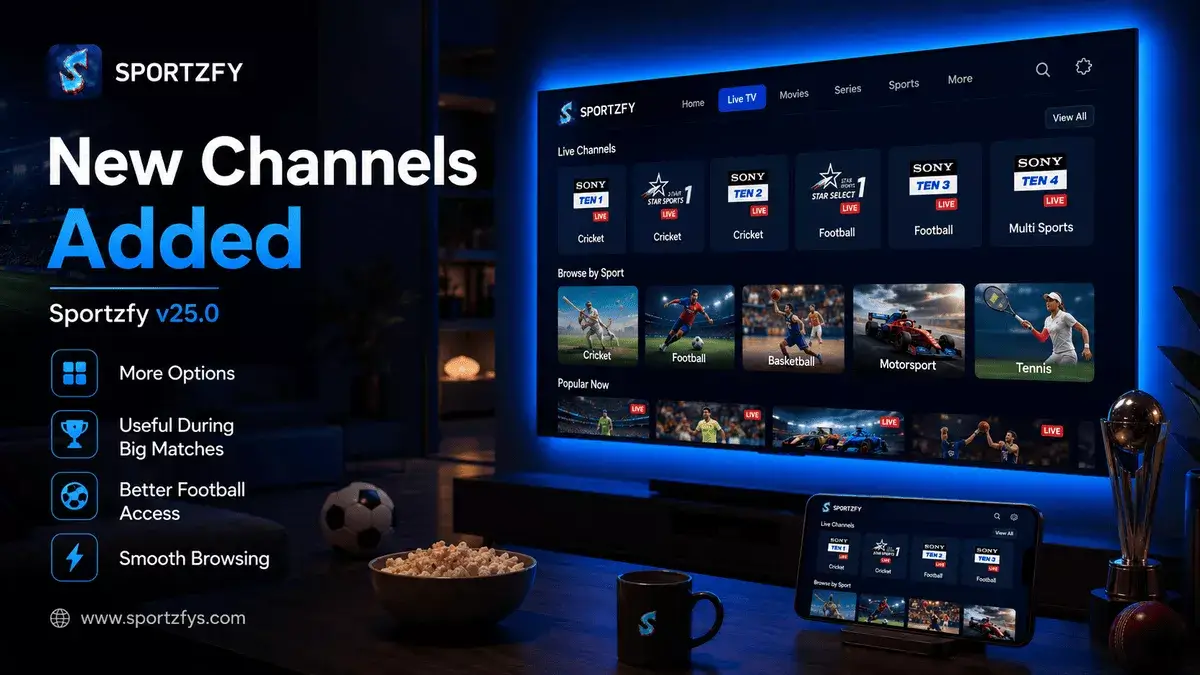
Sportzfy v25.0 also adds new channels for users who follow live sports events. This gives users more options when checking football, cricket, or other sports content inside the app.
During big tournaments, having more channel options can be helpful because sometimes one stream may load slowly or become busy. With new channels added, users get more flexibility when browsing available sports events.
This update is especially useful during FIFA World Cup 2026, where football fans often need quick access before a match starts.
Users get more choices when checking available sports content.
If one stream is busy, users can check another available option.
Football fans can browse live and upcoming event options more easily.
The update improves the overall experience during busy sports days.
Bangla Commentary Added for FIFA Football Matches
One of the most useful additions in Sportzfy v25.0 is Bangla commentary support for FIFA football matches. This feature is especially helpful for Bangla-speaking football fans who want to enjoy match coverage in a more familiar language.
During FIFA World Cup 2026, many users are following matches closely, and commentary language can make a big difference in the viewing experience. Bangla commentary makes football matches easier to follow for users who prefer local-language coverage.
We already explained why many football fans use Sportzfy during FIFA World Cup 2026, and this new v25.0 feature makes that connection even stronger.
Bangla commentary can make FIFA matches easier to understand for users who prefer listening in their own language instead of only following visuals or foreign-language commentary.
Notification Alerts Before Match Starts
Sportzfy v25.0 also brings match notification alerts. This feature can help users know before a match starts, so they do not have to keep checking the app again and again.
For football fans, this is useful during FIFA World Cup 2026 because match times can be easy to miss, especially when multiple games are happening on different days. A simple alert before kickoff gives users time to open Sportzfy, check the event, and prepare their connection.
This feature is also helpful for cricket and other sports events where users want to follow live matches without missing the starting time.
Why Match Alerts Are Useful
- Users can know before a match starts.
- Football fans can open Sportzfy before kickoff.
- It helps avoid last-minute searching.
- Users can prepare internet connection early.
- It is useful when multiple sports events are happening.
Should You Update to Sportzfy v25.0?
Yes, users should update to Sportzfy v25.0 if they want a smoother and more stable app experience. This update is especially useful for users who watch sports on Android TV or follow FIFA football matches.
Update to v25.0 If You Want
- Android TV crash issue fixed
- Faster app opening
- Smoother event browsing
- New channels
- Bangla commentary for FIFA football matches
- Notification alerts before match starts
- Better experience during live sports events
If your older version is working slowly, crashing on TV, or missing new football features, v25.0 is a good update to install.
How to Update Sportzfy to v25.0
Updating Sportzfy is simple, but users should be careful with the download source. Many websites copy the Sportzfy name and upload old or modified APK files with new version numbers.
Safe Update Steps
- Open the trusted Sportzfy download page.
- Check that the version is Sportzfy v25.0.
- Download the APK file carefully.
- Install the update on your Android phone or TV device.
- Restart the app after installation.
- Check live, recent, or upcoming events from the main screen.
Safety Note Before Updating
Whenever a new Sportzfy version is released, many websites quickly start publishing APK files using the latest version number. While some are genuine, others may provide modified files, outdated APKs, or versions with extra ads added by third parties.
Before updating to Sportzfy v25.0, always verify the version information and download source. A few extra seconds of checking can help avoid installation problems, crashes, and other issues later.
If you are unsure whether you are using the correct app version, our guide on What Is Sportzfy TV? explains the app history, update information, and common issues users should know about before installing new versions.
Common Problems After Updating
Most users should get a smoother experience after installing v25.0, but some Android devices may still show small issues due to cache, old app data, weak internet, or device compatibility.
If Sportzfy Still Does Not Work
- Restart the Sportzfy app.
- Restart your Android device or TV box.
- Clear the app cache from Android settings.
- Check your WiFi or mobile data connection.
- Try another event link or channel.
- Reinstall the app only if nothing else works.
For a full step-by-step solution, read our Sportzfy Not Working guide where we explain loading issues, black screen problems, buffering, cache clearing, and safe reinstall steps.
FAQs About Sportzfy v25.0 Update
What is new in Sportzfy v25.0?
Sportzfy v25.0 includes Android TV crash fixes, faster app performance, new channels, Bangla commentary for FIFA football matches, and match notification alerts.
When was Sportzfy v25.0 released?
Sportzfy v25.0 was released on 19 June 2026 with stability improvements and new football-related features.
Does Sportzfy v25.0 fix Android TV crashes?
Yes, one of the main fixes in Sportzfy v25.0 is improved stability for Android TV users who were facing app crashes or closing issues.
Is Bangla commentary available in Sportzfy v25.0?
Yes, Sportzfy v25.0 adds Bangla commentary support for FIFA football matches, which is useful for Bangla-speaking football fans.
Should I update to Sportzfy v25.0?
Yes, updating is recommended if you want better app speed, Android TV crash fixes, new channels, Bangla football commentary, and match alerts.
Is Sportzfy v25.0 safe to install?
Sportzfy v25.0 should only be installed from a trusted source. Avoid modified APK files, fake version pages, and unknown download links.
What should I do if v25.0 still crashes?
Restart your device, clear app cache, check your internet connection, and reinstall the app from a trusted source if the issue continues.
Final Words
Sportzfy v25.0 is one of the most useful updates released this year. Instead of focusing only on visual changes, this version improves real user experience through Android TV crash fixes, faster performance, new channels, Bangla football commentary, and match notification alerts.
For users following FIFA World Cup 2026, these improvements can make it easier to find events, follow matches, and enjoy a smoother experience on both mobile and TV devices.
If you have not updated yet, Sportzfy v25.0 is worth checking out, especially if you experienced TV crashes or want access to the latest football-related features. As always, download carefully, keep the app updated, and follow @sportzfytvbd for future Sportzfy announcements and update news.